Do not flash Libreboot 26.10 only for the new UEFI or Windows headline. It is a substantial firmware migration, not a routine package update. Existing Libreboot users should wait or test a spare machine unless their exact board and image are supported, two verified ROM backups exist, and an external recovery method has already been proved.
The release is worth testing. EDK2 is now the default payload on nearly every 64-bit board, persistent setup is available through SMMSTORE, and 233 Chromebook configurations were imported from MrChromebox. Those benefits arrive with changed boot paths, release errata, board-specific uncertainty, and a failure mode that can leave a computer unable to boot.
This assessment reflects project state checked on October 16, 2026. OpenSourceChoice did not flash a device or reproduce the reported failures.
The decision at a glance
| Question | Assessment |
|---|---|
| Current stable release | Libreboot 26.10 “Ominous Olive,” published October 15, 2026 |
| Best fit now | Experienced users testing an exact supported board with verified backups and external recovery ready |
| Poor fit | A sole work computer, remote fleets, or anyone without a board-specific recovery path |
| Main benefit | Open-source UEFI through EDK2, with modern boot support and broader hardware coverage |
| Main risk | A bad image, wrong board procedure, or firmware regression can require external SPI recovery |
| Real cost | Spare hardware, programmer and clip or board-specific tools, downtime, validation, and rollback practice |
| Alternative to evaluate | MrChromebox UEFI on supported Chromebooks; otherwise keep the known-good firmware until the board path matures |
| Adoption gate | Cold boot, every storage path, suspend, input, networking, settings persistence, and recovery pass repeatedly |
Why this matters now
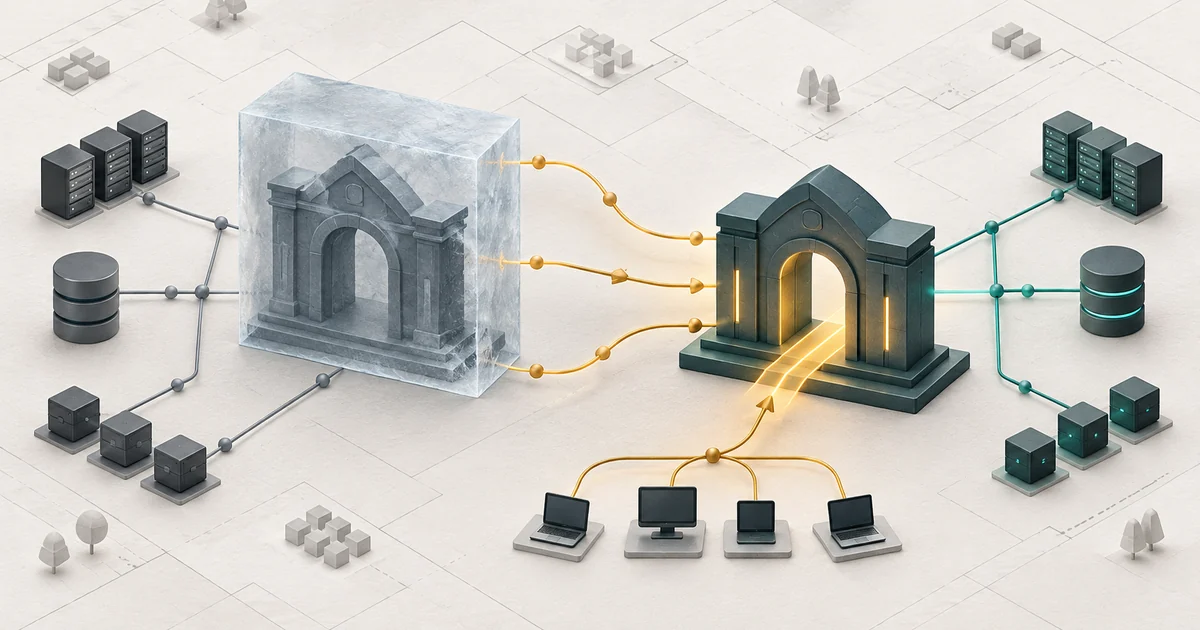
Version 26.10 replaces the previous default x86 payload model with MrChromebox's EDK2 on almost every 64-bit target. The project says Windows 10 and 11, Linux Unified Kernel Images, systemd-boot, OpenBSD, and FreeBSD in UEFI mode were tested across various Libreboot machines. GRUB EFI and SeaBIOS CSM remain in flash for compatibility, while standalone GRUB and SeaBIOS are now considered obsolete.
Interest is independent of the announcement. The release discussion had more than 250 Hacker News points and 160 comments when checked, while separate r/linux and r/coreboot threads had 133 and 24 votes. A same-day r/coreboot report described a Dell Latitude E7240 hanging after an upgrade from 26.01 and requiring an external clip. That is one unverified user report, not evidence of a general 26.10 regression, but it illustrates the consequence the official installation guide already warns about.
The 26.10 tag resolves to commit af3be629, and changes landed on master after it. The repository was active on October 16. That is maintenance evidence, not a guarantee for every board.
What 26.10 does—and does not do
Libreboot is a coreboot distribution: it supplies selected upstream revisions, board configurations, payloads, documentation, and ROM archives. It replaces the vendor BIOS or UEFI on the flash chip; it is not an application, Linux distribution, or driver bundle.
EDK2 makes modern UEFI boot the normal path. The release also enables SMMSTORE for persistent settings and adds boards including the ThinkPad X270/X280, Dell OptiPlex 3040 Micro/5050 SFF, and Supermicro X11SSH-F. ROM archives include SHA-256 files and detached signatures.
All 233 imported Chromebook configurations are source-only, and the announcement says only Baytrail “Kip” was tested. The project directs Chromebook users to MrChromebox documentation. “Supported in source” does not mean “validated on your retail model.”
The errata also matter. EDK2 input defaults to UK QWERTY with no layout selector yet. CSMWrap can occupy one CPU core during boot, so GRUB EFI or native UEFI is the safer compatibility choice. Relocatable BAR remains disabled by default because project testing found Intel integrated-graphics breakage.
Security, privacy, and license boundaries
Firmware sits below the operating system, so authenticity and recovery are security controls. Verify the exact board archive against its SHA-256 file and GPG signature. Back up the current flash before every change; on Chromebooks, preserve device-specific regions and confirm the external read matches.
Do not treat “open source firmware” as automatic hardening. The trust boundary still includes the exact configuration, bundled upstreams, required vendor components, flash tool, hardware, and verification process. The tagged tree has no dedicated SECURITY.md; defects use the public tracker and contact channels.
One open issue says vendor-blob injection can continue after a failed download and produce a broken image. A release-day issue reports an X280 boot failure, although related behavior also appeared with a separate coreboot build. Neither proves your target is broken; both justify checking exact-board issues.
Libreboot requires no cloud account and does not run an analytics service. Replacing firmware can still alter platform security, identifiers, measured boot, and hardware initialization. Privacy depends on the whole machine.
The lbmk build system is GPLv3. ROMs combine separately licensed components such as coreboot, EDK2, GRUB, and SeaBIOS; review their terms before redistributing modified images.
The real operating cost and the alternative
The software is free; a responsible upgrade is not. Budget a spare device or maintenance window, compatible programmer and voltage-safe clip, offline backup storage, another recovery computer, and time to test every boot path.
Apply our open-source project evaluation framework to the exact artifact, board documentation, issues, and rollback—not the project's reputation alone. The spare-machine discipline in our Haiku pilot matters even more below the operating system.
On a supported Chromebook, compare MrChromebox UEFI directly. Libreboot imports its coreboot and EDK2 work, adds its own choices, and says the tooling should interoperate. Elsewhere, the best alternative may be keeping the known-good vendor firmware or Libreboot 26.01 until board reports settle.
A measurable spare-machine pilot
- Identify the target. Record board codename, flash-chip voltage and size, current firmware, storage, boot mode, and board instructions. Stop on ambiguity.
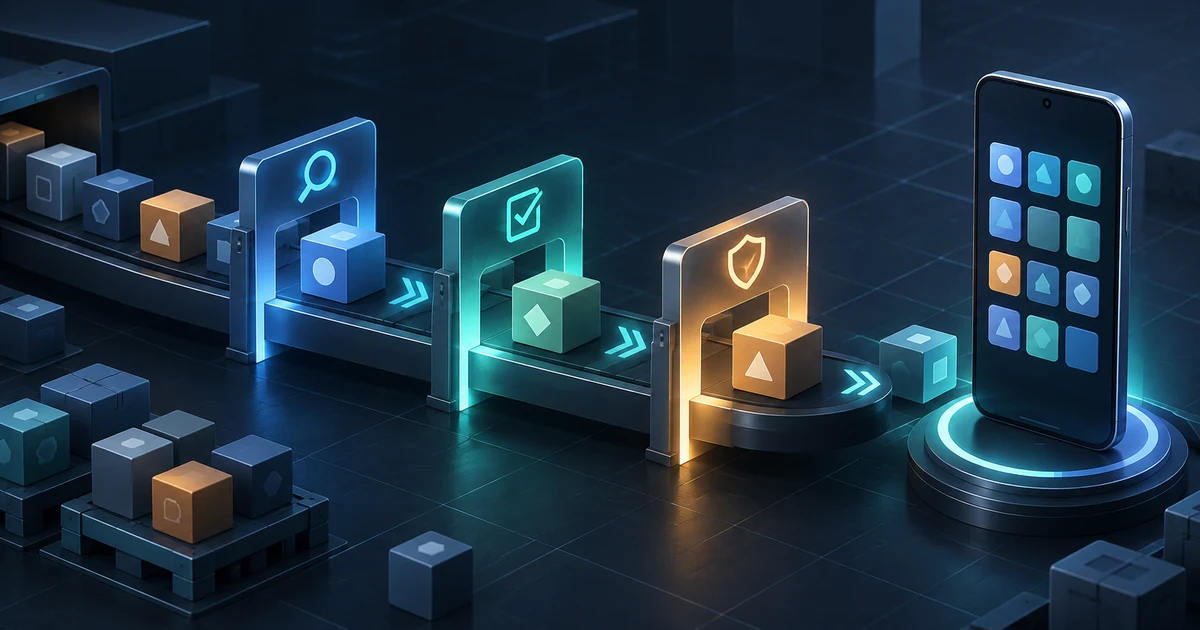
- Prove the artifact. Verify checksum and signature; confirm filename, ROM size, and injected board data.
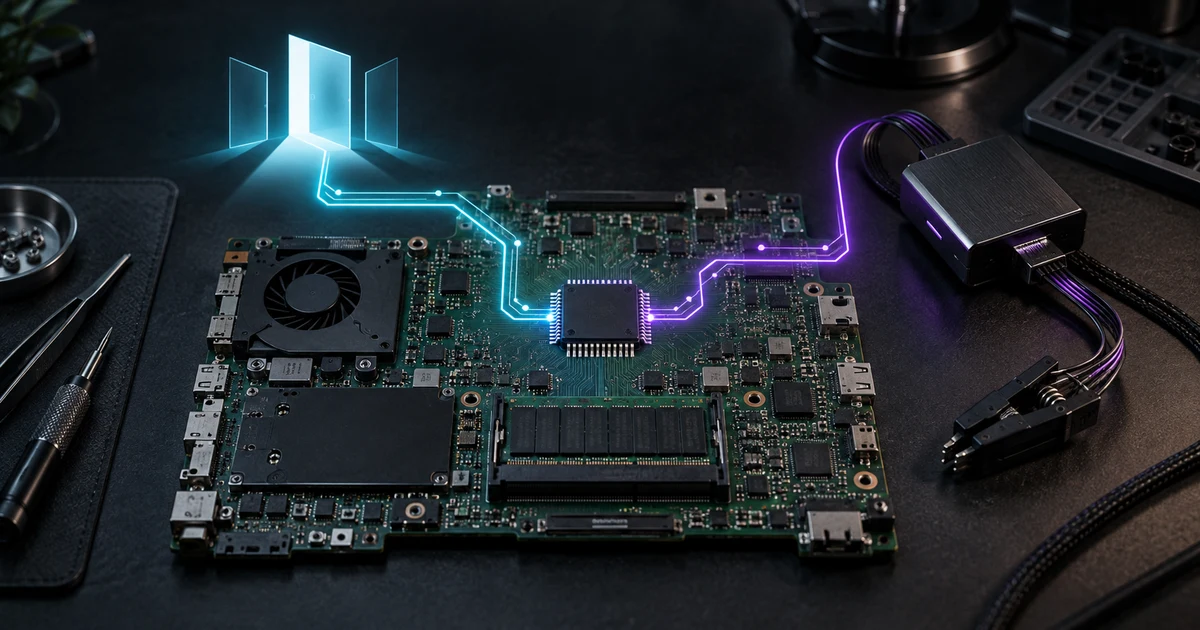
- Prove rollback first. Read the flash twice, compare hashes, store two offline copies, and complete an external read. Recovery hardware must be present.
- Use a spare machine. Flash the complete image where the SMMSTORE migration requires it. Keep the original ROM reachable.
- Run 20 cold boots and 20 reboots. Test storage, USB, UEFI, setup, input, graphics, networking, suspend, battery reporting, and settings persistence.
- Exercise recovery. Restore externally and boot. Reapply 26.10 only after success; record tools, voltage, orientation, commands, hashes, and time.
- Decide with evidence. Adopt only with zero unexplained boot failures, full required hardware function, persistent settings, and a repeatable restore. Otherwise roll back and attach logs to an existing issue or file a precise new one.
Conclusion
Libreboot 26.10 is a meaningful modernization release, but its value is board-specific. EDK2, broader UEFI compatibility, and new configurations improve the project without making firmware flashing routine. Upgrade now only when the exact board is documented, the feature solves a real problem, and recovery has already been demonstrated. Everyone else should wait for board-level evidence rather than becoming it on a primary machine.
Sources
- Libreboot 26.10 release notes
- Libreboot installation and 26.10 SMMSTORE guidance
- Libreboot EDK2 and Chromebook installation guidance
- Official 26.10 release files
- lbmk 26.10 source tag
- lbmk GPLv3 license
- Open issue: X280 boot failure report
- Open issue: vendor injection continues after download failure
- Hacker News release discussion
- r/linux release discussion
- r/coreboot E7240 upgrade report
Build a stack for this use case.
Answer nine practical questions and compare three transparent architectures with costs, free limits, lock-in, and migration paths.
Build my stack