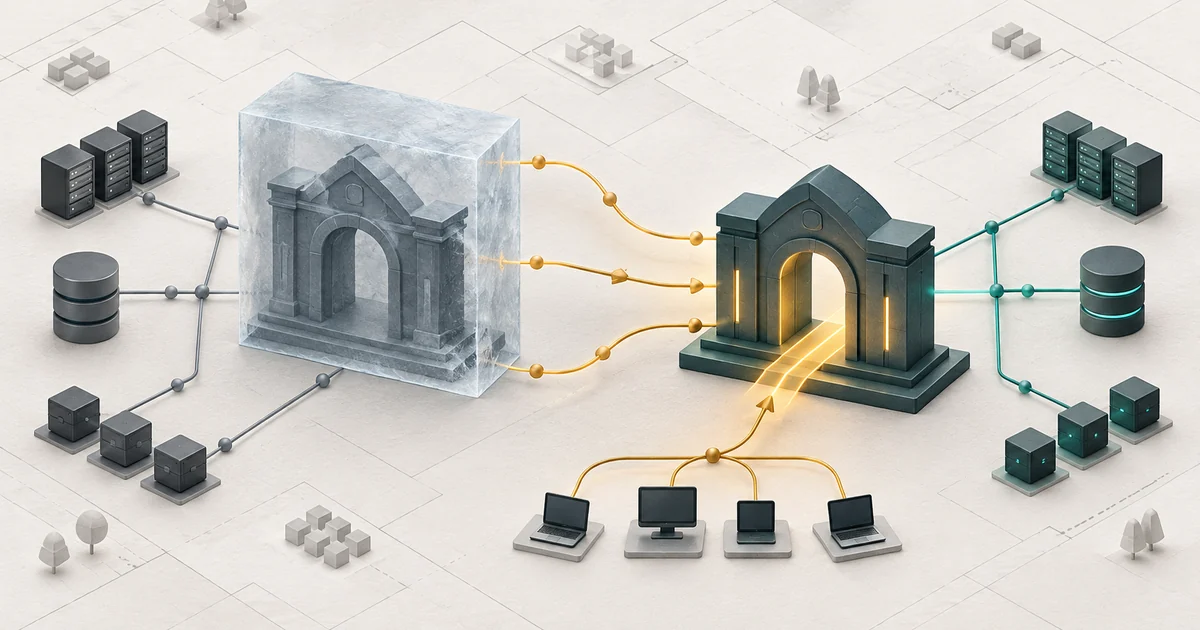
Verdict: existing Ghostty users should upgrade to 1.4 promptly, but Linux teams should canary the package and configuration before making it their default terminal. The release fixes multiple trust-boundary flaws involving paste protection, crafted directory names, hyperlinks, drag-and-drop, and file names. It also lowers resident memory use and improves SSH integration. The operational catch is a new GTK 4.18 and libadwaita 1.7 floor that excludes Ubuntu 24.04's native libraries, plus behavior changes around copying and keybindings.
This assessment reflects upstream sources checked on October 30, 2026. OpenSourceChoice did not install Ghostty, reproduce the vulnerabilities, or benchmark the release.
Key takeaways
- Upgrade macOS and supported Linux installations after testing one real workstation session.
- Do not replace a trusted distribution package with an unverified binary just to reach 1.4.
- Treat the project's memory and throughput numbers as upstream benchmarks, not independent measurements.
Why Ghostty 1.4 matters now
Ghostty 1.4.0 shipped on October 27 after seven months, 2,889 commits, and contributions from 172 people. Its Hacker News discussion reached more than 1,300 points and 400 comments, while separate Ghostty and Linux Reddit threads drew release-specific discussion. Those are attention signals, not technical proof.
The repository is also active after the tag, with commits through October 30. GitHub's advisory feed listed 13 advisories published alongside the release. The release notes highlight six user-facing security fixes and explain that CVE identifiers had been requested but not yet assigned. Version 1.4.0 is therefore a security-relevant update even without a single headline CVE.
What 1.4 fixes—and what it does not
The most practical fixes concern terminal input and escape sequences. Paste protection previously missed carriage returns in programs without bracketed-paste support. A crafted directory name could make shell integration emit arbitrary control sequences, including an OSC 52 clipboard replacement. On macOS, crafted links, drag-and-drop text, and file names containing control characters could make the action differ from what the confirmation UI implied. Several additional advisories cover crashes, memory corruption, use-after-free conditions, and denial-of-service paths.
These are not documented as a universal remote-code-execution path. Exploitation depends on conditions such as entering an untrusted directory, clicking a link, dragging text, confirming a file action, or processing hostile terminal output. A terminal is still a high-trust boundary: local programs, remote SSH sessions, and repository-controlled shell output all share its parser and interaction surfaces.
Ghostty 1.4 does not secure the shell, validate commands, isolate remote hosts, or replace endpoint controls. Its new ghostty +ssh wrapper installs Ghostty terminfo on a remote host and forwards selected environment values; it improves compatibility, but it also performs remote setup that operators should test. The release still provides no native Windows GUI.
Who should upgrade now
The clearest fit is an existing Ghostty user on macOS 13 or newer, or on a Linux distribution with a trusted 1.4 package or Flatpak. Upgrade priority is higher for developers who clone untrusted repositories, use shell integration, click terminal links, paste multiline commands, display images, or spend much of the day in SSH sessions.
It is a poor immediate fit for Ubuntu 24.04 users expecting a native 1.4 package built against the distribution's GTK stack. Ghostty 1.4 requires GTK 4.18 and libadwaita 1.7; upstream explicitly says Ubuntu 24.04 does not meet that requirement. It is also a weak choice for Windows-first teams or organizations that require commercial support. The project help page describes Ghostty as a personal project without a support team.
For a broader adoption checklist, use How to Evaluate an Open-Source Project. Teams treating terminals as an infrastructure control should apply the exposure-first approach in OpenSSH 10.5: Patch Agent-Forwarding Fleets First.
The real operating cost
The MIT-licensed software has no fee, account, subscription, or hosted control plane. Day-to-day terminal content stays on the workstation unless a command, remote session, clipboard action, shell integration, or operator sends it elsewhere. That is a favorable privacy baseline, not a sandbox: any program producing terminal output can exercise the parser, and OSC clipboard or hyperlink features cross application boundaries.
The real cost is package provenance and workstation qualification. Ghostty provides signed and notarized macOS binaries. Linux packages are built by distributions or community maintainers rather than by the Ghostty project. Building 1.4 requires Zig 0.17 plus GTK, libadwaita, EGL, and other platform dependencies; upstream recommends binaries for most users.
Budget time to back up configuration, record the installed package source, review deprecated settings, and keep a rollback terminal available. copy-on-select changed values and defaults, macOS command-arrow behavior changed, and GTK tab movement now claims key combinations that terminal programs may previously have received. A process that launches successfully can still disrupt daily muscle memory or editor shortcuts.
Performance gains need local proof
Upstream reports that idle text-heavy scrollback compression cuts resident memory for those pages by 70% to 90%, and that 20 hidden macOS tabs reduced GPU memory from about 385 MiB to 18 MiB. These are project benchmarks, not independent OpenSourceChoice results.
Measure resident memory, not virtual address space, using your real workload. Logs, images, tmux panes, editors, and long SSH connections may behave differently from the project's examples.
The main risk and the alternative
The main adoption risk is forcing 1.4 onto an unsupported Linux base. An untrusted third-party binary or a hand-built dependency stack can erase the security benefit of upgrading. On Ubuntu 24.04, use the documented Flatpak route, stay temporarily on the distribution-supported build while tracking fixes, or choose a maintained alternative instead of mixing core desktop libraries.
Evaluate kitty in parallel. Its current 0.49.2 release shipped on October 1, it publishes official macOS and Linux binaries, and it supports images, tabs, splits, scripting, and SSH helpers. kitty is GPL-3.0 rather than MIT, and its workflows and configuration differ, so it is not a drop-in replacement. Its value here is a supported terminal path for systems where Ghostty 1.4's GTK floor or community packaging is unacceptable.
A measurable two-session pilot
Keep the existing terminal installed and make no default-terminal change on day one. Back up Ghostty's configuration, record the current version and package source, then install 1.4 through a trusted channel on one workstation.
Across two normal work sessions, test startup, window and tab creation, split resizing, copy-on-select, multiline paste confirmation, link handling, drag-and-drop, search through long scrollback, IME input, tmux, Kitty graphics, and at least two SSH destinations. For ghostty +ssh, verify exactly what terminfo and environment data reaches the remote account. Run one large log workload and compare resident memory after the terminal becomes idle.
Accept the upgrade only if there are no crashes, unexpected command executions, missing prompts, keybinding regressions, or remote setup surprises; resident memory should be no worse under the same workload; and rollback should take less than ten minutes. If the package source, GTK stack, or rollback path cannot meet those gates, keep the known terminal and reassess when the distribution catches up.
Sources
- Ghostty 1.4.0 release notes — release date, security fixes, requirements, breaking changes, project benchmarks, and SSH integration.
- Ghostty release index — current stable version and release history.
- Ghostty repository — license, activity, contributors, commits, issues, and tag history.
- Ghostty security advisories — published advisory record checked October 30, 2026.
- Official binary installation guide — official macOS binaries and Linux package provenance.
- Official source-build guide — build recommendation and platform dependencies.
- Hacker News release discussion — independent current-interest signal.
- r/linux release discussion — independent current-interest signal.
- kitty 0.49.2 changelog — alternative release date and maintenance.
- kitty binary installation guide — official macOS and Linux distribution path.
Build a stack for this use case.
Answer nine practical questions and compare three transparent architectures with costs, free limits, lock-in, and migration paths.
Build my stack